
MoCA backhaul for mesh: wired backhaul
(MoCA & Ethernet)
Backhaul is the link between your router and each mesh node. The highest-ROI upgrade is usually wired backhaul: Ethernet backhaul if you can run cable, or MoCA backhaul if you already have coax.
Start: wired backhaul for mesh MoCA 101
Prefer Ethernet? Use Ethernet basics. Already flaky? Jump to MoCA troubleshooting.
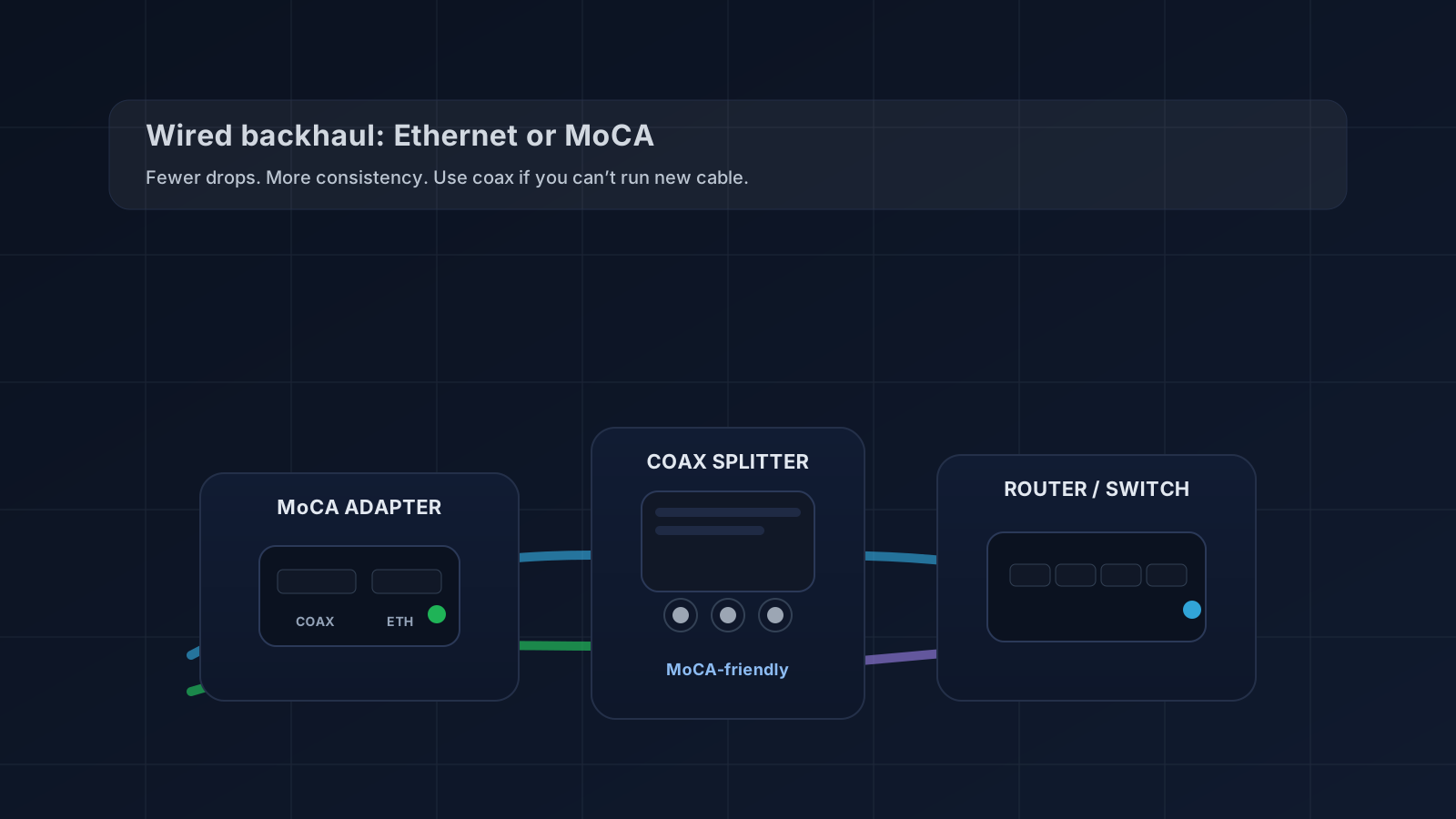
Quick starts
Pick the path that matches your wiring:
When wired backhaul is worth itMoCA 101 (have coax)Ethernet basics (can run cable)MoCA starter bundle (what to buy)
Shopping shortcut
If you’re ready to buy, start with one of these (and come back for setup/troubleshooting if anything’s flaky):
MoCA starter bundleMoCA adapters (quick picks)MoCA vs Ethernet vs Powerline
Why Wired Backhaul Matters
Three critical advantages that wireless mesh can’t match.
Double the Bandwidth
All radios serve clients. No bandwidth lost to backhaul relay.
Zero Interference
Wired links don’t compete with neighbors or your own radios.
Unlimited Hops
Add as many APs as you need without degrading performance.
Choose Your Backhaul Type
Two wired options: Ethernet (best) and MoCA (best if you have coax).
Ethernet Backhaul
BESTCat5e or Cat6 cables from your router to each access point. Gigabit+ speeds, lowest latency, zero overhead.
- 1–10 Gbps depending on cable category
- Industry standard, maximum compatibility
- PoE support (power APs over the same cable)
MoCA Backhaul
UNDERRATEDUse existing coax (cable TV) wiring. MoCA adapters turn coax into a gigabit network — no new cable runs.
- Up to 2.5 Gbps (MoCA 2.5)
- Leverages existing coax infrastructure
- Coexists with cable internet and TV
Ethernet vs MoCA (quick picture)
If you can run cable, Ethernet is simplest. If you already have coax jacks, MoCA is the fastest “no-drywall” wired-backhaul option.
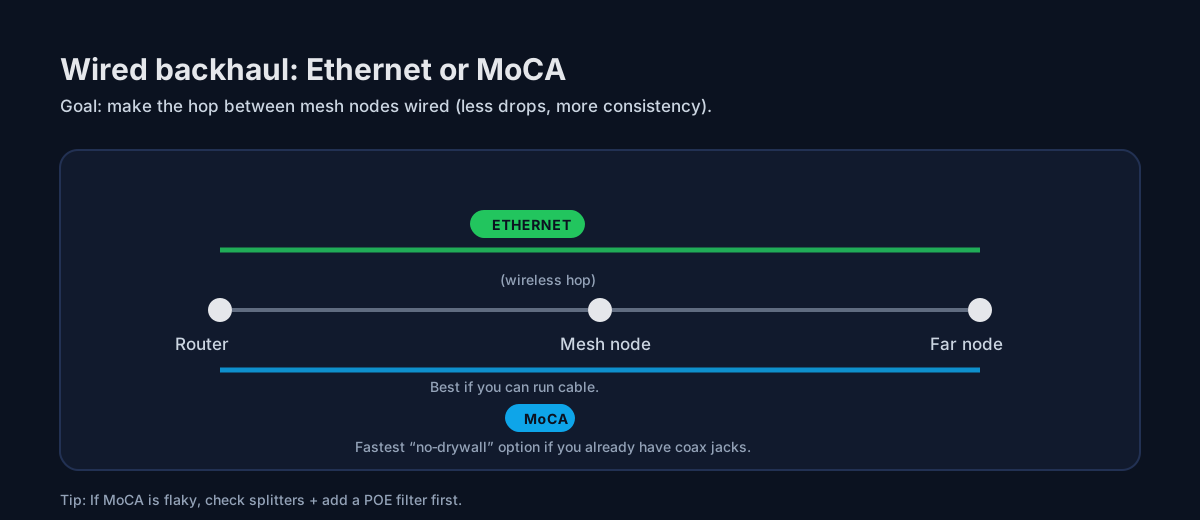
MoCA backhaul (Ethernet over coax): the fast “no‑drywall” upgrade
If you searched for MoCA backhaul: it’s just “wired backhaul” using your existing coax wiring. Start with What is MoCA?, then use the MoCA wiring diagram to sanity‑check splitters/filters before you buy adapters.
Quick triage: (1) If you can run cable, start with Ethernet backhaul basics. (2) If you have coax, start with What is MoCA?. (3) If you’re seeing drops / “works sometimes,” jump straight to MoCA troubleshooting. Not sure whether it’s placement vs backhaul? Do the 10‑minute Wi‑Fi walk test. For the big picture, read wired backhaul for mesh.
Start here (highest ROI)
Most visitors only need one of these paths.
- Ethernet backhaul basics — best if you can run cable
- What is MoCA? — fastest “no‑drywall” wired backhaul if you have coax
- MoCA starter bundle — what to buy (simple list)
- MoCA splitters & POE filters — the #1 reliability gotcha (do this before buying random adapters)
- MoCA troubleshooting — drops / low speeds / flaky links
- When wired backhaul is worth it — the “why + when” overview
Shopping now? Use the simple list: MoCA starter bundle (what to buy).
Popular backhaul guides
Start here if you want stable mesh with fewer ‘random’ drops.
MOCA
What is MoCA?
Turn coax jacks into reliable wired backhaul for mesh.
RELIABILITY
Splitters & POE filters
The #1 MoCA gotcha (fix this before buying random adapters).
UPGRADE
MoCA 2.5 vs MoCA 1.1
What versions mean, when to upgrade, and what to buy.
TROUBLESHOOT
MoCA troubleshooting
Drops, low speeds, unstable links — the fast checklist.
Top 3 MoCA adapters
If you want to buy once and be done, start here. (We don’t hardcode prices.)
goCoax MoCA 2.5 Adapter
★Best Overall Value
- MoCA 2.5
- Great value
- Common pick for wired backhaul
Motorola MM1025 MoCA 2.5
★Budget Pick
- MoCA 2.5
- Easy setup
- Good budget pick
Actiontec ECB6250 (ScreenBeam) MoCA 2.5
★Premium Performance
- MoCA 2.5
- Solid reliability
- Good premium option
All backhaul guides
- What is MoCA?
- MoCA without cable TV (use coax for networking)
- MoCA for beginners (diagram + setup)
- MoCA for mesh backhaul (setup patterns)
- MoCA with fiber internet (use coax for backhaul)
- Best MoCA adapters (starter picks)
- MoCA starter bundle (what to buy)
- Ethernet backhaul basics
- Ethernet backhaul for apartments (no drilling)
- Wired backhaul (what it is)
- Mesh vs backhaul (when to add nodes vs wire it)
- MoCA vs Ethernet vs Powerline
- MoCA 2.5 vs MoCA 1.1 (upgrade guide)
- MoCA troubleshooting checklist
- MoCA splitters & POE filters
- MoCA POE filter placement (where it goes)
- Wired backhaul for mesh (why it wins)
- Enable MoCA on an Xfinity gateway
- Enable MoCA on a Cox Panoramic gateway
- Spectrum MoCA setup (Charter)
- Enable MoCA on a Verizon Fios router
Backhaul FAQ
What is backhaul?
Backhaul is the connection between your router and your mesh nodes. Wired backhaul (Ethernet or MoCA) is usually faster and more reliable than wireless hops.
Is MoCA good for mesh backhaul?
Yes. If your home has coax jacks, MoCA can deliver near‑Ethernet stability without running new cable.
Where do I start?
Start with Ethernet backhaul basics or What is MoCA?. If anything’s flaky, jump to MoCA troubleshooting.