
Start Here.
Pick the shortest path. You can always come back and switch tracks.
Fix Wi‑Fi Dead Zones MoCA with fiber (use coax for backhaul) Learn Backhaul
FAST FIX
Placement + quick settings
Start here if your Wi‑Fi is “mostly fine” but one or two areas are weak.
BEST PERFORMANCE
Add backhaul (Ethernet or MoCA)
If mesh feels “fast in one room, bad in another” (or drops feel random), backhaul is usually the highest‑ROI fix.
NEW GEAR
Choose a mesh kit that fits your home
Start here if your router is old, your home is large, or you’re replacing ISP equipment.
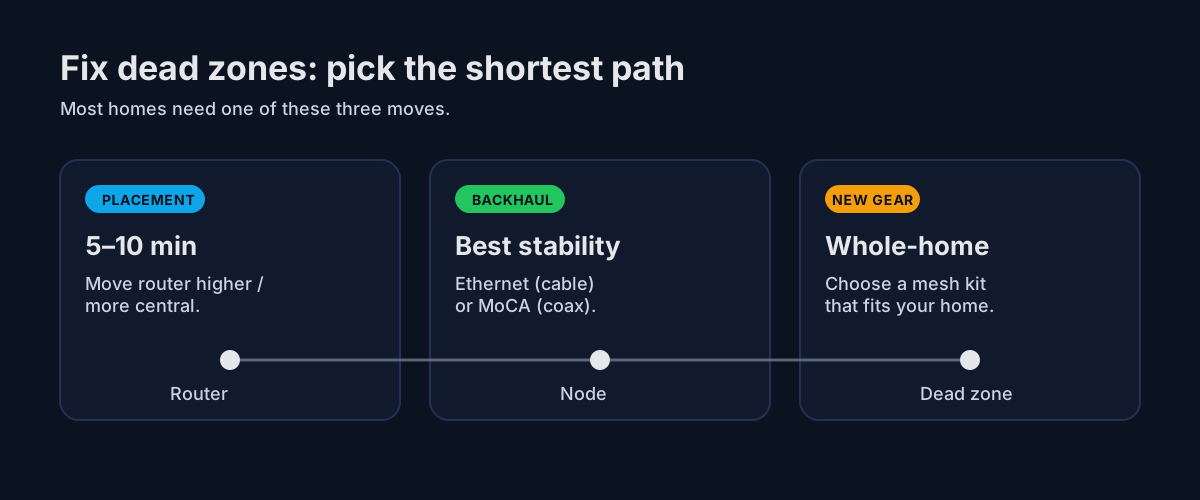
Quick picture: the 3 fixes
Most problems are either placement, the hop between nodes (backhaul), or the gear itself.
Already tried the basics?
If you’re seeing drops, buffering, or “it works… until it doesn’t,” jump straight to troubleshooting checklists.
One specific room causing pain? Try: Dead zones by room.
Popular mesh sizing guides
If you’re deciding how much mesh you actually need (and what works in real homes), start with these: